



Wi-Fi 7 vs. Wi-Fi 6E vs. Wi-Fi 6 Guide
Wireless connection is now a core part of how modern businesses work.
From cloud apps and video meetings to smart buildings, warehouse systems, IoT devices, digital signage, and real-time collaboration tools, Wi-Fi does more than provide internet access.
As demand grows, many teams ask a simple question: should we upgrade to Wi-Fi 7, or is Wi-Fi 6 or Wi-Fi 6E enough?
The answer depends on your site, device count, business apps, AP placement, cabling, switch setup, and current wireless performance.
This guide explains
Wi-Fi 7 vs. Wi-Fi 6E vs. Wi-Fi 6 and shows what to review before a wireless upgrade.
What Is Wi-Fi 7?
Wi-Fi 7 is the newest Wi-Fi standard. It is based on IEEE 802.11be.
It builds on Wi-Fi 6 and Wi-Fi 6E with faster speeds, lower latency, higher capacity, and better support for busy wireless spaces.
Wi-Fi 7 is a strong fit for businesses that rely on:
- Cloud apps
- Video conferencing and hybrid work
- High-density office spaces
- Warehouses and distribution centres
- Smart building systems
- IoT and connected devices
- Digital AV and streaming apps
- Real-time active systems
- Large file transfers and data-heavy work
Wi-Fi 7 is not only about speed. Its bigger value is better wireless performance, stronger reliability, and better support for many devices at once.
Wi-Fi 6 vs. Wi-Fi 6E vs. Wi-Fi 7
Here is a simple view of the three standards.
| Feature | Wi-Fi 6 | Wi-Fi 6E | Wi-Fi 7 |
|---|---|---|---|
| Wireless standard | 802.11ax | 802.11ax with 6 GHz support | 802.11be |
| Supported bands | 2.4 GHz and 5 GHz | 2.4 GHz, 5 GHz, and 6 GHz | 2.4 GHz, 5 GHz, and 6 GHz |
| Best use case | General business wireless performance | Less congestion and better capacity with 6 GHz | High-speed, low-latency, high-density environments |
| Channel width | Up to 160 MHz | Up to 160 MHz | Up to 320 MHz |
| Latency improvement | Good | Better | Best |
| Ideal for | Offices, schools, retail, general business use | Higher-capacity business environments | Advanced workplaces, warehouses, smart buildings, AV-heavy spaces, and high-density wireless networks |
Wi-Fi 6 is still a good choice for many sites with stable coverage and manageable device counts.
Wi-Fi 6E adds 6 GHz support. That can reduce congestion and improve capacity for compatible devices.
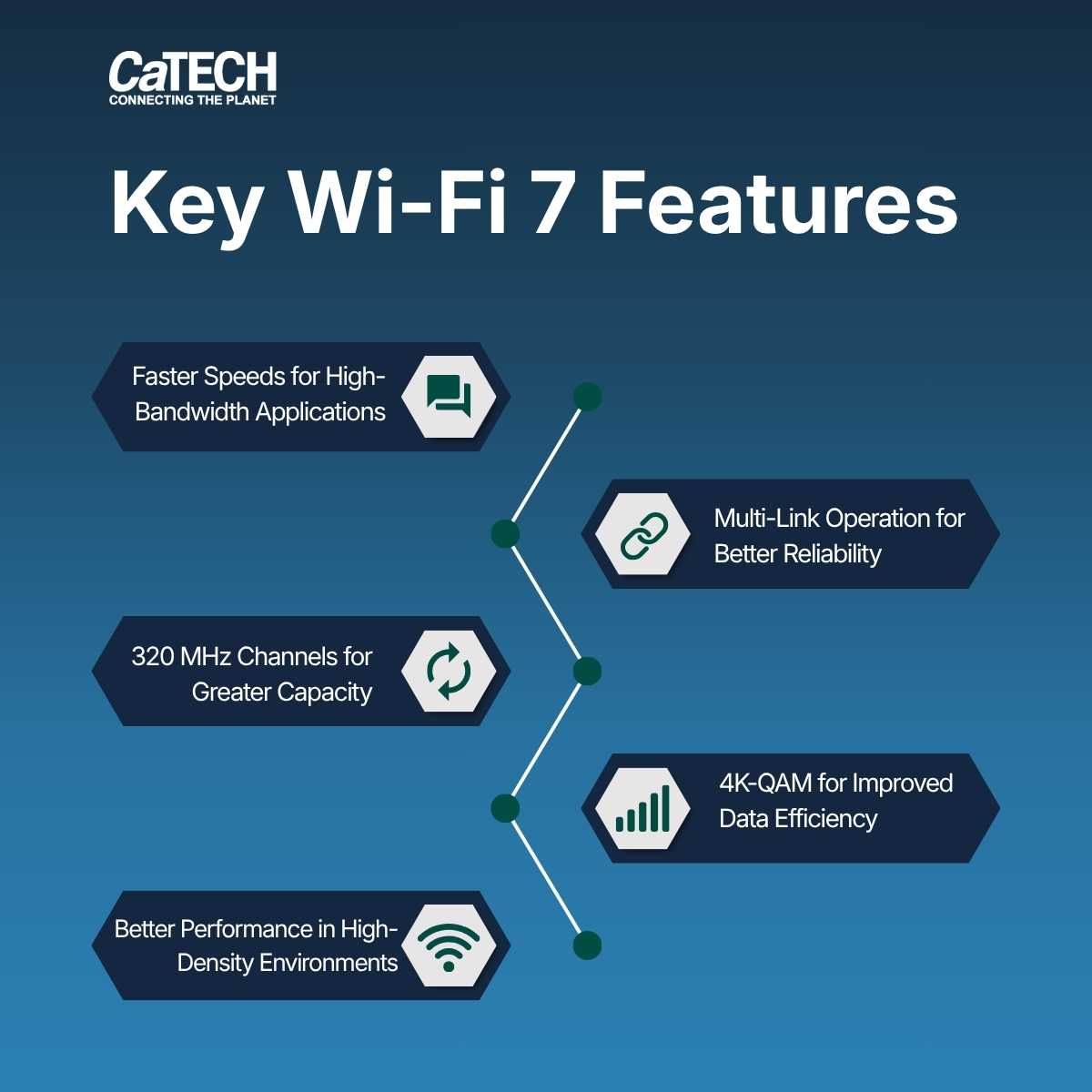
Wi-Fi 7 adds wider 320 MHz channels, Multi-Link Operation, and 4K-QAM.
Key Wi-Fi 7 Features for Business
1. Faster speeds for high-bandwidth apps
Wi-Fi 7 can support much higher theoretical speeds than Wi-Fi 6.
That helps in places that use video calls, large file transfers, cloud tools, digital collaboration, and many connected devices.
Real-world results still depend on AP placement, cabling, switches, interference, client support, and RF design.
That is why Wi-Fi 7 planning should start with a wireless assessment, not a simple hardware swap.
2. Multi-Link Operation for better reliability
One of the most useful Wi-Fi 7 features is Multi-Link Operation, or MLO.
MLO lets compatible devices use more than one band or channel more efficiently. That can raise throughput, cut latency, and improve reliability.
For businesses, this can help with:
- Smoother video conferencing
- More responsive cloud apps
- Better performance in dense spaces
- Improved reliability for connected active systems
- Stronger support for real-time and latency-sensitive apps
3. 320 MHz channels for greater capacity
Wi-Fi 7 can use 320 MHz channels on the 6 GHz band.
That can move more data through the wireless network when conditions are right.
It is useful in high-throughput sites, but wider channels need careful planning. Channel design, interference, and AP density should be checked first.
4. 4K-QAM for better data use
Wi-Fi 7 uses 4096-QAM, also called 4K-QAM.
It can send more data in each signal when RF conditions are strong.
It works best when devices are close to the AP and signal quality is good. That makes AP placement, coverage design, and RF tuning very important.
5. Better performance in dense wireless spaces
Many wireless problems come from crowding, poor planning, or bad design, not just a slow internet link.
Wi-Fi 7 can help in corporate offices, boardrooms, warehouses, healthcare and clinic spaces, retail locations, training rooms, multi-floor sites, and smart buildings.
To get the full benefit, businesses still need good design, correct AP placement, strong network gear, and testing after install.
Should You Upgrade to Wi-Fi 7?
Wi-Fi 7 may be worth considering if your current network shows signs of strain.
Common signs include:
- Slow Wi-Fi at busy times
- Dropped video calls
- Weak coverage in some areas
- Too many devices for the current network
- Roaming issues
- Dead zones in warehouses or large sites
- Poor performance in boardrooms, training rooms, or shared spaces
- Growing use of IoT, AV, cloud, or smart building systems
- Aging APs that need a refresh
For some sites, a full upgrade makes sense. For others, a phased plan is better.
Start with meeting rooms, warehouse zones, collaboration spaces, or high-density office areas.
The right choice should be based on a technical review, not just AP age.
What Wi-Fi 7 Means for Access Point Planning
A Wi-Fi 7 access point can support faster speeds, more capacity, and lower latency. But the AP alone does not ensure better performance.
Many issues come from design and deployment, not old hardware.
Before installing Wi-Fi 7 APs, review:
- Current AP locations
- Coverage gaps
- Signal strength and signal quality
- Channel planning
- 2.4, 5, and 6 GHz band use
- Interference sources
- Roaming performance
- Cabling capacity
- Switch support
- PoE requirements
- Multi-gig readiness
- Device support
This matters because Wi-Fi 7 can demand more from the network.
Many Wi-Fi 7 APs work best with multi-gig switching, proper PoE, and structured cabling that can handle higher throughput.
Replacing old APs with Wi-Fi 7 APs may not fix the root cause if the design, cabling, or switching setup is not ready.
So AP planning should be treated as a network design project, not just a hardware refresh.
Why RF Site Surveys Matter Before a Wi-Fi 7 Upgrade
A professional RF site survey shows how wireless signals behave in the real building.
Walls, glass, concrete, metal racks, ceilings, equipment, people, furniture, and nearby networks can all affect Wi-Fi performance.
This matters in offices, warehouses, healthcare spaces, retail sites, and multi-floor buildings.
An RF site survey can help answer:
- Where should APs go?
- Are there coverage gaps?
- Is 6 GHz a good fit?
- Are there interference issues?
- How many APs are needed?
- Are current APs placed well?
- Will the network handle high-density use?
- Are roaming issues hurting performance?
- Does the site need predictive, passive, or active RF survey work?
For Wi-Fi 7, RF planning matters even more because businesses may use 2.4, 5, and 6 GHz bands. Each band behaves differently, and the right design helps coverage, capacity, and reliability.
Access Point Deployment: Why Placement Matters
AP placement has a direct effect on Wi-Fi performance. Poor placement can cause weak coverage, overlap, interference, poor roaming, and a bad user experience. In some cases, adding more APs without planning can make things worse.
Good AP deployment looks at:
- Building layout
- Ceiling height
- Wall materials
- User count
- Device types
- App needs
- Mounting locations
- Cable paths
- Power availability
- Interference sources
- High-demand areas
- Future growth
AP-on-a-stick can also help test placement before final install. It lets teams check signal behaviour, coverage, and performance in the real space.
For RTLS or location-aware systems, placement matters even more because the wireless network may also support tracking, positioning, or ops visibility.
The goal is not just to install APs. The goal is to build a wireless setup that works where people and systems actually need it.
Planning a Wi-Fi 7 Upgrade?
Wi-Fi 7 can be a big step forward for business wireless connection, but success depends on more than the newest AP.
The right plan starts with your site, users, apps, and infrastructure.
Before upgrading, ask:
- Is our current Wi-Fi meeting business needs?
- Are coverage gaps hurting productivity?
- Do we have dense areas that need more capacity?
- Is our cabling ready for higher throughput?
- Are our switches ready for multi-gig performance?
- Do we need a full upgrade or a phased refresh?
- Should we do an RF site survey first?
With good planning, Wi-Fi 7 can create a faster, more reliable, and more scalable wireless network.
How CaTECH Supports Wi-Fi Design, RF Surveys, and AP Deployment
CaTECH Systems helps teams plan, deploy, and troubleshoot wireless environments with an infrastructure-first approach.
Our wireless services include Wi-Fi design, RF site surveys, advanced diagnostics, AP deployment, and troubleshooting for business sites that need reliable wireless performance.
CaTECH supports predictive, passive, and active RF surveys using tools such as Ekahau.
This helps ensure wireless networks are planned around real site conditions, good coverage, and business needs.
Our team also supports AP deployment and troubleshooting, including AP-on-a-stick methods and RTLS environments.
Whether your organization is planning a Wi-Fi 7 upgrade, improving wireless coverage, or fixing an existing network, CaTECH can help assess the site and recommend the right path.
If your organization is planning a Wi-Fi upgrade, CaTECH Systems can help with Wi-Fi design, RF site surveys, AP deployment, advanced diagnostics, and wireless troubleshooting.
Contact CaTECH Systems to discuss your next wireless network project.
Q&A
Question: Does every business need to upgrade to Wi-Fi 7 right away?
Short answer: No. Wi-Fi 6 is still a good fit for many sites with stable coverage and manageable device counts. Wi-Fi 6E may be a better fit when a business needs more capacity through the 6 GHz band. Wi-Fi 7 is most useful when the current network is under strain, such as in dense offices, warehouses, smart buildings, AV-heavy spaces, or sites that rely on real-time and latency-sensitive apps.
Question: Why is Wi-Fi 7 planning more than just replacing old APs?
Short answer: A Wi-Fi 7 access point can offer faster speeds, more capacity, and lower latency, but performance depends on the full network. Businesses should also review AP placement, RF design, cabling, switch support, PoE, multi-gig readiness, interference, roaming, and device support. Without the right base, a hardware refresh may not fix the real problem.
Question: What role does an RF site survey play in a Wi-Fi 7 upgrade?
Short answer: An RF site survey shows how wireless signals behave in the real building. It can find coverage gaps, interference, AP placement problems, roaming issues, and whether the 6 GHz band is a good fit. This is especially important for Wi-Fi 7 because businesses may use 2.4, 5, and 6 GHz bands, and each one behaves differently.
Question: When might a phased Wi-Fi 7 upgrade be better than a full upgrade?
Short answer: A phased upgrade may be better when only some areas have higher demand or performance issues. Businesses can start with meeting rooms, warehouse zones, collaboration spaces, boardrooms, training rooms, or high-density office areas before upgrading the full site. This helps match the project to budget, infrastructure readiness, and business needs.
Question: What makes AP placement so important for business Wi-Fi performance?
Short answer: AP placement affects coverage, signal quality, roaming, interference, and the user experience. Poor placement can create weak coverage, overlap, dead zones, and uneven performance. Good deployment considers building layout, ceiling height, wall materials, user count, device types, app needs, cable paths, power, and future growth.